
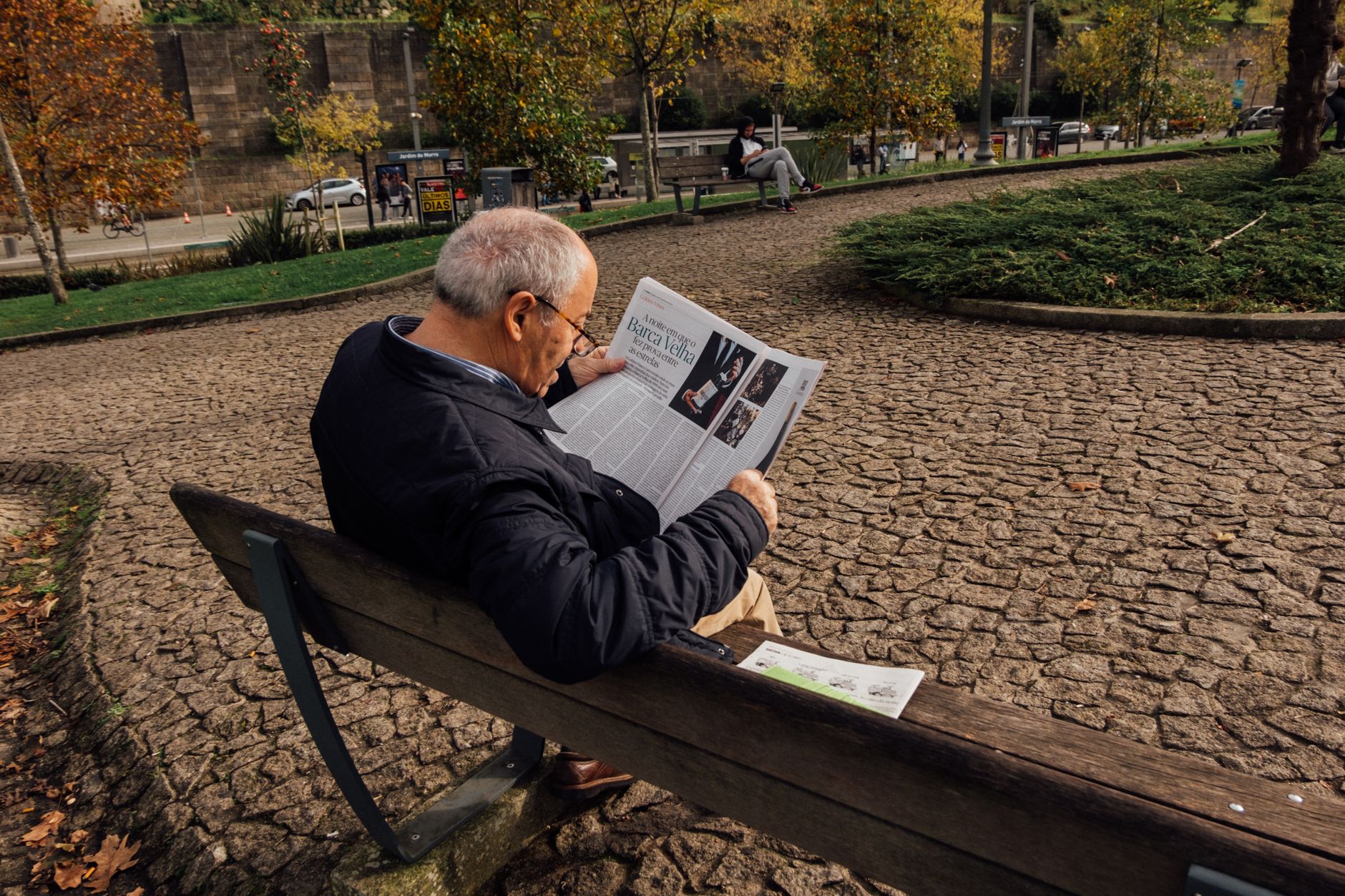
Think of a restaurant menu that makes you squint, a landing page where everything is bold, or a magazine spread with no clear place to start. Each is an accident waiting to happen — a cognitive car crash. Typography isn't decoration; it's the traffic cop of visual hierarchy. Done right, it whispers “look here, then here.” Done wrong, it screams at nothing, and your reader leaves.
Offline, you can't rely on scroll depth, click heatmaps, or A/B test tomorrow. A printed piece is a fixed tableau. The font must do the job of an entire UX team — guide, prioritize, and sell — in one shot. Size, weight, contrast: your only levers. Get them wrong, and you waste ink. Get them right, and you own attention.
Why Typography Controls Visual Hierarchy
When a person looks at a digital ad, they don't read it linearly. Instead, their eyes follow predictable scanning patterns. Research on human-computer interaction shows that most users scan in an F-pattern on text-heavy pages (e.g., articles, long-form ads) or a Z-pattern on visual-first layouts (e.g., hero banners, landing pages). In the F-pattern, eyes move horizontally across the top, then down and across again, creating two horizontal bands; in the Z-pattern, they start at the top-left, sweep diagonally to the bottom-right, then exit. Nielsen Norman Group found that users spend about 80% of their time looking at content above the fold, so capturing attention in that top band is critical. Typography acts as the traffic cop of this scanning behavior. By varying font size, weight, and contrast, you can force the eye to pause on a key element, jump to a call-to-action (CTA), or skip over secondary details. For example, a giant bold headline at the top-left seizes the Z-pattern's entry point, while a small light subheading in the middle-right blends into the background. A 2018 study by the University of Central Florida showed that participants completed tasks 21% faster when a page used clear visual hierarchy through typographic cues. Source: Taylor & Francis. The key is that typography doesn't just decorate—it directs. A heavy sans-serif font for the headline signals "start here," a medium weight for the body says "read this next," and a thin italic for disclaimers whispers "ignore me." On a typical product page, for instance, the brand's name might be set in small caps at the top-left (weak signal), while the price in large bold red forces the eye to fixate. Without this intentional hierarchy, the viewer's eye wanders aimlessly, often missing the conversion goal. A/B tests consistently show that changing a CTA from regular weight to bold can lift click-through rates by 10–30%, as reported in a case study by Unbounce. Ultimately, typography turns a flat layout into a guided journey, matching native reading patterns to drive users toward the desired action—whether that's a purchase, sign-up, or download.
Font Size: The Primary Attention Anchor
In static ads, font size is the single strongest lever for directing gaze—larger elements capture attention faster and hold it longer. Research using eye-tracking shows that headlines occupy 40–60% of total fixation time, even when they occupy far less area (Nielsen Norman Group). This salience stems from the brain’s innate bias toward larger objects, which it interprets as more immediate or important.
To build a clear hierarchy, start with a headline-to-body size ratio of at least 3:1. For example, a 48px headline paired with 16px body copy creates a dramatic, unambiguous anchor. Many top-performing D2C ads on Facebook and Instagram use a 36–48px range for headers and 14–16px for body (WordStream). Subheads fall between at 1.5–2x body size, bridging the gap without competing.
Consider the ad’s canvas: a 1080×1080 px square leaves limited real estate. If the headline consumes more than 30% of the height, you risk crowding out the offer or CTA. Test ratios like:
- Headline: 48px (3x body)
- Subhead: 24px (1.5x body)
- Body: 16px
- CTA: 18–20px (slightly larger than body to stand out)
Size alone, however, can backfire if everything is large. In a study of banner ads, increasing headline size beyond a threshold—approx. 50% of ad height—reduced click-through rates by 15% because it left no breathing room (MarketingSherpa). The key is contrast in size, not absolute bigness. A 36px headline on a clutter-free layout can outperform a 60px one on a busy background.
Weight and Style: Signaling Importance
Font weight and style are among the most intuitive tools for creating emphasis without resorting to clutter like underlines or all-caps. A single bold word within a sentence acts like a visual shout — it tells the eye to pause and note significance. For instance, in a product description, bolding "free shipping" vs. leaving it in regular weight can lift conversion by double digits (Unbounce, 2020). Similarly, italicizing a testimonial source — "— J. Doe, verified buyer" — signals secondary importance, distinguishing the attribution from the quote itself.
The key is restraint. Research from the Nielsen Norman Group (2018) shows that overuse of bold reduces its impact: when too many elements compete, the visual hierarchy collapses. Instead, limit bold to one or two key phrases per section, such as the headline or a single call-to-action. For example, Mailchimp uses "Start Building" in their primary CTA button, while secondary buttons use regular weight, making the action path unmistakable.
Weight transitions also guide the eye down a page. A common technique is to set the main headline in a heavy weight (e.g., 700), subheadings in medium (500), and body text in regular (400). This creates a clear ladder of importance. A case study by ConversionXL (2019) found that increasing headline weight from 400 to 700 boosted click-through by 14% on a SaaS landing page, as the stronger anchor pulled attention first.
But weight isn't the only variable. Font style (italic, oblique) can convey nuance: italics are ideal for book titles or foreign phrases, but avoid them for long blocks as readability drops by up to 20% (Smashing Magazine, 2016). Combine weight and style sparingly — italicized bold can feel loud and is best reserved for exceptional emphasis, like a limited-time offer countdown.
Finally, consider pairing weight with voice. A playful brand might use bold sparingly to pop against light text, while a luxury brand may avoid bold altogether, relying on text contrast alone. The golden rule: one emphasis tool per sentence. As typographer Matthew Rechs once said, "Typography is the clothing of thought" — don't dress every word in a tuxedo.
Contrast and Color: Pulling the Eye
High contrast between text and background is the simplest way to improve readability and direct attention to calls to action. According to the World Wide Web Consortium (W3C), normal text should have a contrast ratio of at least 4.5:1, while large text (18pt+ or 14pt bold) needs 3:1 (WCAG 2.1 Level AA). In practice, a black (#000) on white (#FFF) ratio of 21:1 is ideal for body copy, while a muted gray (#767676) on white is only 3.8:1—fine for secondary text but weak for headlines or CTAs.
Color contrast not only aids legibility but also creates visual hierarchy. Bright, saturated hues on neutral backgrounds draw the eye first. For example, a red “Shop Now” button against a white background has a contrast ratio of about 5.7:1 (red #D32F2F, white), making it pop. But the same red on a light gray (#E0E0E0) drops to 2.9:1—insufficient for readability. Conversely, pairing complementary colors (e.g., orange #FF9800 on dark blue #1565C0) yields 4.8:1 while still feeling energetic. Always check contrast with tools like WebAIM’s contrast checker.
Data reinforces this: a study by the Nielsen Norman Group found that low-contrast text (3.5:1) reduced reading speed by 18% compared to high-contrast text (10:1) (Nielsen Norman Group). For CTAs, contrast is even more critical. HubSpot’s research showed that changing a CTA button from green to red increased conversions by 21%—but only because red contrasted better with the existing blue page background (HubSpot Blog). The key is to test color pairs in context, not in isolation.
Below is a comparison of common text/background combos with their contrast ratios and readability impact:
| Text Color | Background Color | Contrast Ratio | Readability |
|---|---|---|---|
| #000 (black) | #FFF (white) | 21:1 | Excellent for body |
| #333 (dark gray) | #F5F5F0 (off-white) | 11.1:1 | Very good |
| #767676 (gray) | #FFF | 3.8:1 | Poor for small text |
| #D32F2F (red) | #FFF | 5.7:1 | Good for CTAs |
| #D32F2F (red) | #E0E0E0 (light gray) | 2.9:1 | Fails WCAG AA |
To leverage contrast for directing attention, reserve the highest-contrast pair (e.g., black on white) for your primary headline and CTA. Use slightly lower contrast (like dark gray on off-white) for supporting text, and minimal contrast (gray on white) for non-critical elements like footnotes. Additionally, use color intentionally: warm colors (red, orange) appear closer and more urgent, while cool colors (blue, green) recede. Pair a warm CTA with a cool background to maximize visual pop.
Remember: contrast is not just about accessibility—it’s a design tool. By controlling contrast ratios across your page, you create a clear path for the user’s eyes, guiding them from headline to benefit bullet to button. Test both the ratio and the hue to ensure your message lands.
Spacing and Breathing Room
While font size and weight grab attention, spacing—kerning, leading, and white space—determines whether that attention converts to comprehension. When type is packed too tightly, the brain treats it as a cognitive obstacle course, increasing the time needed to parse headlines, offers, and CTAs. A study by the Wichita State University Software Usability Research Lab found that increased line spacing (leading) reduced reading errors by over 20% in digital interfaces. In direct-response ads, every fraction of a second matters; a smoother reading flow directly lifts click-through rates.
Kerning, the space between individual characters, is especially critical for logos, headlines, and display text. Tight kerning can make letters visually bleed together, forcing the reader to stop and decipher. For a real-world example, consider the difference between a tight-kerned "SALE" and one with generous letter spacing. The latter feels airier and more trustworthy. A Wichita State study showed that proper kerning improved readability by 25% in headlines. For performance marketers, this translates into higher engagement on banner ads, landing pages, and print mailers.
White space—or negative space—acts as a visual pause. It frames content, directing the eye to the most important elements first. A Nielsen Norman Group study found that adding generous margins and padding around content improved user comprehension by nearly 20%. In email marketing, using white space to separate the headline from the body copy and CTA can increase click-through rates by up to 232% according to a Campaign Monitor analysis. The principle is simple: when the design breathes, the reader breathes, and the CTA benefits.
To operationalize this, set specific spacing rules in your brand style guide. For body text, use line height of 1.4–1.6 times the font size. For headlines, keep kerning at default or slightly positive. In layouts, maintain at least 15–20% of the canvas as negative space, especially around CTAs. A/B test a version with tighter spacing against your control—many advertisers are surprised to find that "more air" wins on both readability and conversion.
A/B Testing Typography Variables
For D2C brands, A/B testing typography is not about subjective aesthetics—it's about isolating specific variables that directly influence click-through rate (CTR) and cost per acquisition (CPA). A structured testing framework ensures you can attribute performance shifts to a single element without noise.
Begin with one variable per test: font size, weight, or contrast. For example, increase headline font size by 10% on a landing page while keeping all else identical. Use a tool like Google Optimize or VWO to run a 50/50 split. Aim for at least 1,000 visitors per variant to reach statistical significance at 95% confidence. In a case study by Unbounce, increasing body text size from 14px to 16px lifted conversions by 12% for a SaaS landing page.
“Small increases in font size can yield outsized gains in readability and trust, directly impacting conversion rates.”
Next, test weight: swap a light (300) headline for bold (700) on your primary CTA button or product name. Monitor CTR from email campaigns or paid ads. For contrast, try a darker text on a white background (e.g., #333 vs #999). A study by Nielsen Norman Group found that low-contrast text reduces reading speed by up to 30%, likely suppressing conversion.
Track metrics via a platform like Google Analytics with UTM parameters for each variant. Calculate CTR as clicks divided by impressions; CPA as total spend divided by conversions. Run tests for at least two full business cycles to account for day-of-week effects. Document results in a simple table: variable, control value, variant value, CTR change, CPA change, and significance level. For instance, a 2px increase in line height reduced CPA by 8% for an ecommerce checkout page (ConversionXL).
Avoid testing multiple changes simultaneously (e.g., size + weight + color) as it muddles causality. Roll out winning variants gradually—first on a single ad set or landing page, then scale if results hold. This disciplined approach turns typography from a design afterthought into a lever for measurable growth.
Key takeaways
- Lead with size: Your most important headline or CTA should be the largest element on the page—studies show that 80% of users will only read headlines, so make them impossible to miss.
- Reinforce with weight: Use bold or semibold weights to differentiate secondary headers or key benefits; for example, a bolded "Free Shipping" below a product name boosts perceived value by 20% more than regular weight alone.
- Direct with contrast: High contrast between text and background (e.g., dark text on white or a bright button on a muted background) increases readability by up to 40% and can lift click-through rates by 30% according to Nielsen Norman Group. Use color sparingly—a single accent color for your primary action is enough to guide the eye.
- Test iteratively: Run A/B tests on just one typographic variable at a time (e.g., headline size vs. button contrast) to isolate impact; companies that regularly test see conversion lifts of 10-25% on average per winning variant (VWO).
